Windows
Windows x64 · C# + WebView2
Download .exe ↓
Plex Browser by Plexium is a free desktop browser for Windows, macOS and Linux. Version 2.1.0 brings a warm, focused interface with quick access to AI tools, privacy controls, performance modes and the workflow features already built into Plex Browser.
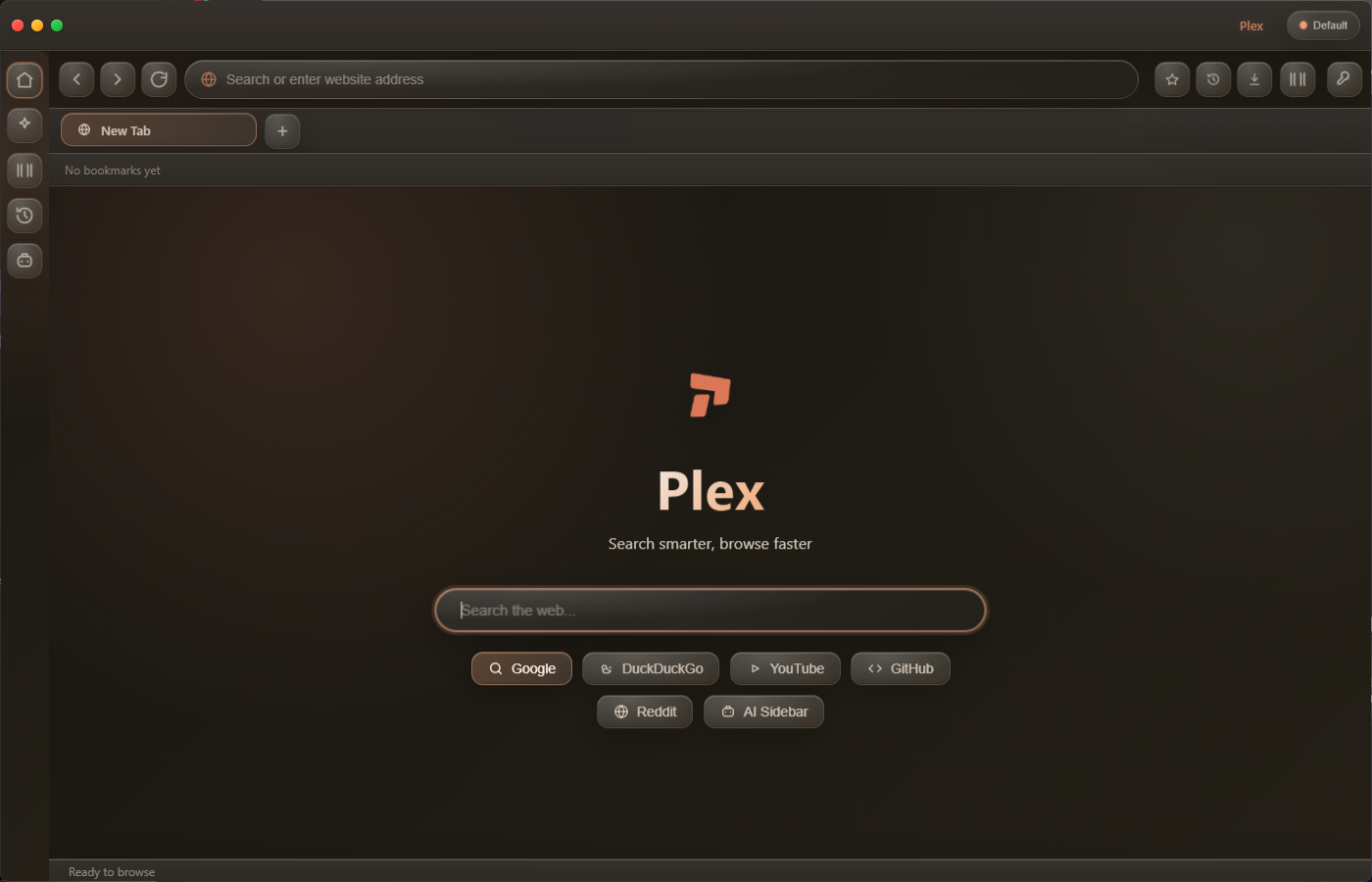
Windows uses a C# host with WebView2, tuned for Windows performance. macOS and Linux use Chromium. Every installer starts with a clean profile for new users.

Plex keeps its controls close without turning the browser into a dashboard. Most of the time, the interface gets out of the way.
Type less and get moving faster with search suggestions and quick destinations right where you already browse.
Ad, tracker and DoH blocking with an encrypted cookie vault.
CPU, RAM and bandwidth budgets across Eco, Balanced and Performance modes.
Useful suggestions appear as you type so common searches and destinations take fewer steps.
Keep playback controls close in a compact browser widget without jumping between windows.
Color-coded groups and named profiles for separate workspaces.
Plexium-reported performance
Publisher-reported peak results. Performance varies by device and workload. See the release notes for comparison limitations.
Explore all 2.1.0 release notesA refreshed interface, bookmark folders, responsive tabs, and platform-specific desktop hosts.
The current UI uses a warmer palette, depth and translucent surfaces to match the browser itself without burying the controls in effects.
Search suggestions and quick destinations help you get where you are going with fewer keystrokes.
Use Eco, Balanced or Performance behavior to manage CPU, RAM and bandwidth budgets.
A compact player keeps music controls available without taking over the browsing experience.
Privacy controls include ad, tracker and DoH blocking plus the encrypted cookie vault described by Plex.
The release page carries the same warm dark palette, rounded controls and restrained glass treatment as the browser itself.



Yes. Version 2.1.0 is available through the public downloads above.
Windows x64 with Microsoft Edge WebView2 Runtime; macOS Apple Silicon and Intel; and Debian/Ubuntu Linux x64. Installers are unsigned; macOS builds are not notarized and may require approval in Privacy & Security.
No account is required for the download flow shown on this release page.
Downloads are hosted on Plexium’s public GitHub release. No account is required.
Version 2.1.0 is out now for the public. Pick your platform and install it.